

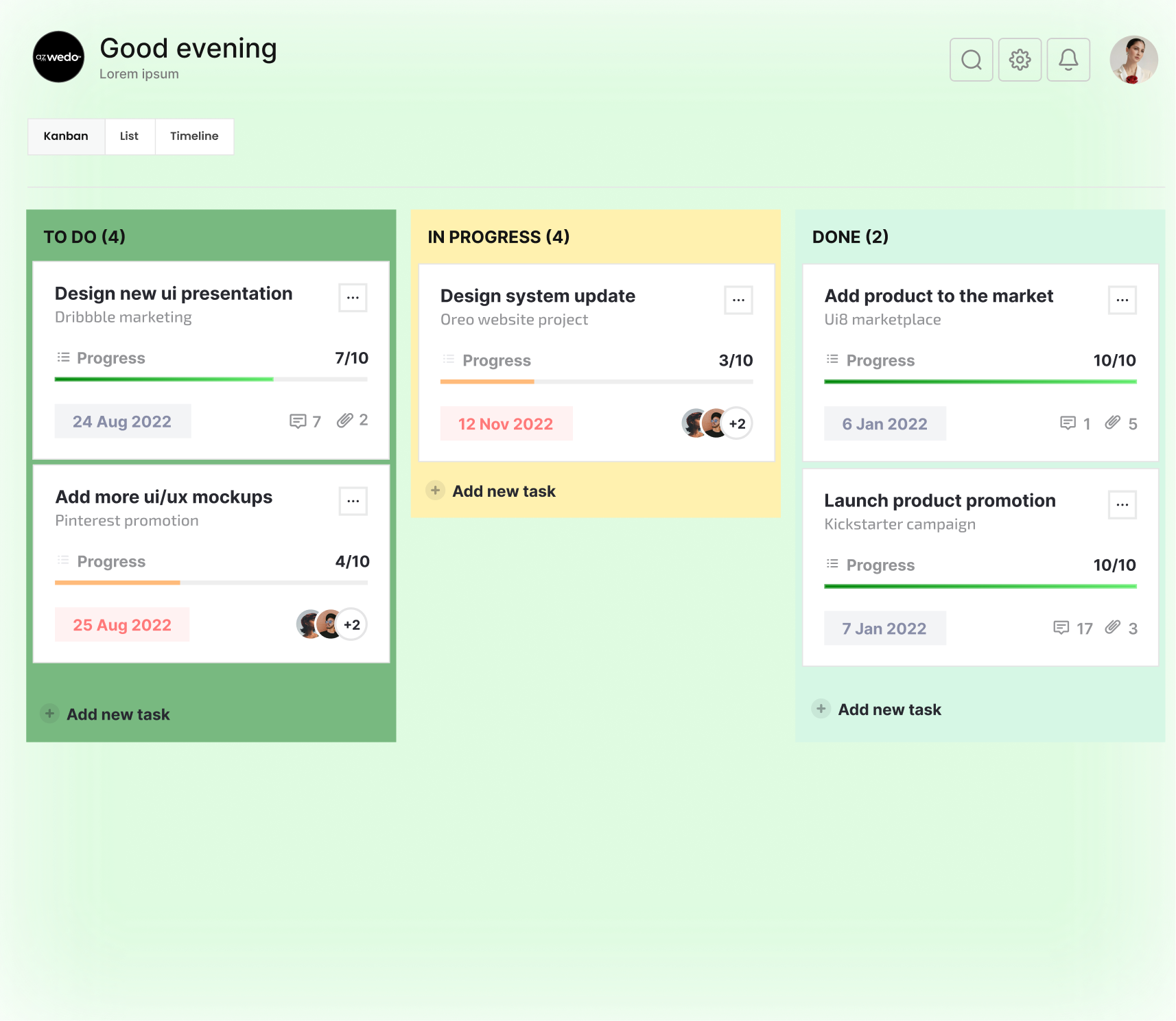
1.Portfolio view
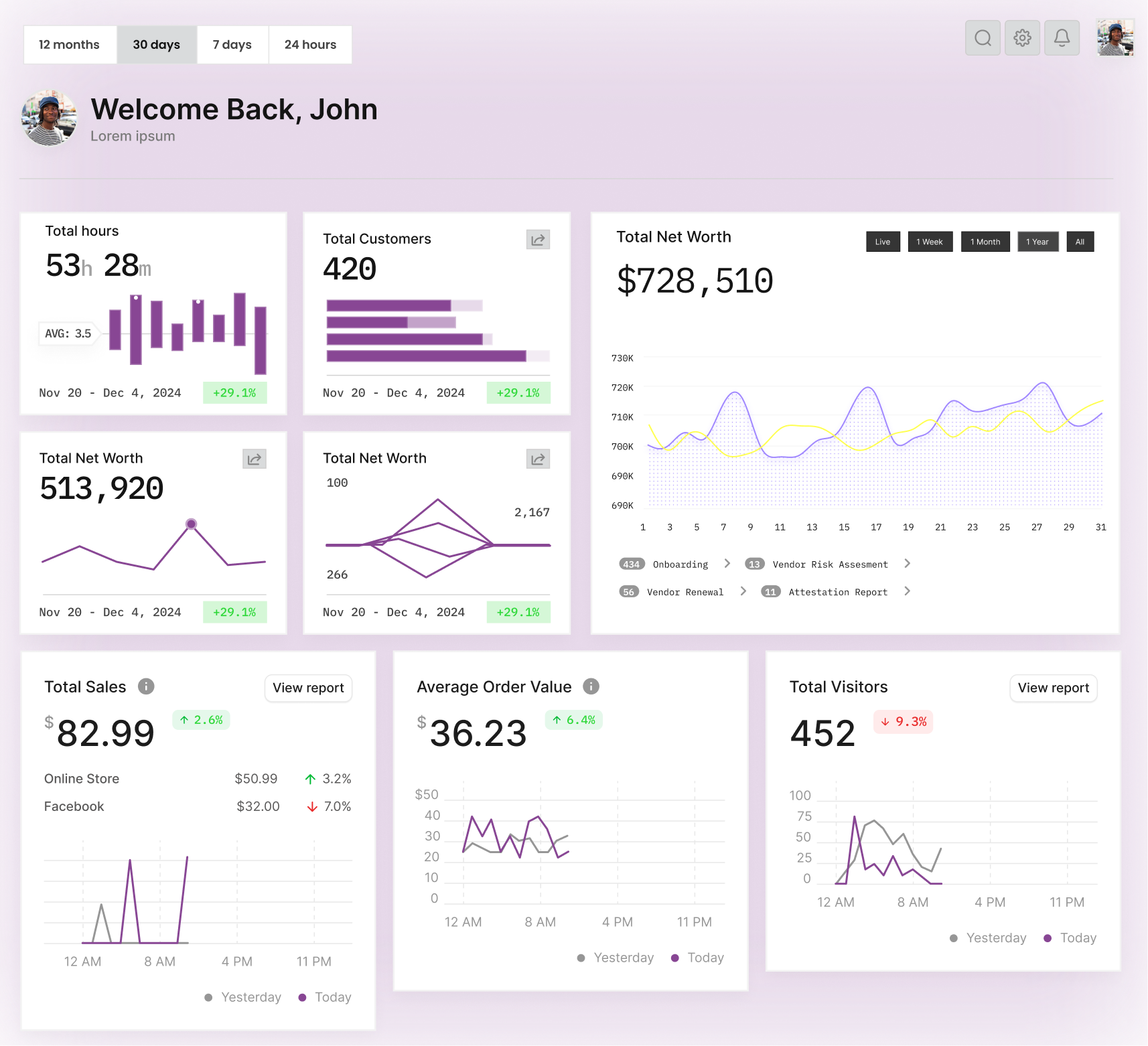
See every app in one place—downloads, revenue, and health signals without jumping between consoles.
 Studio command centerNew
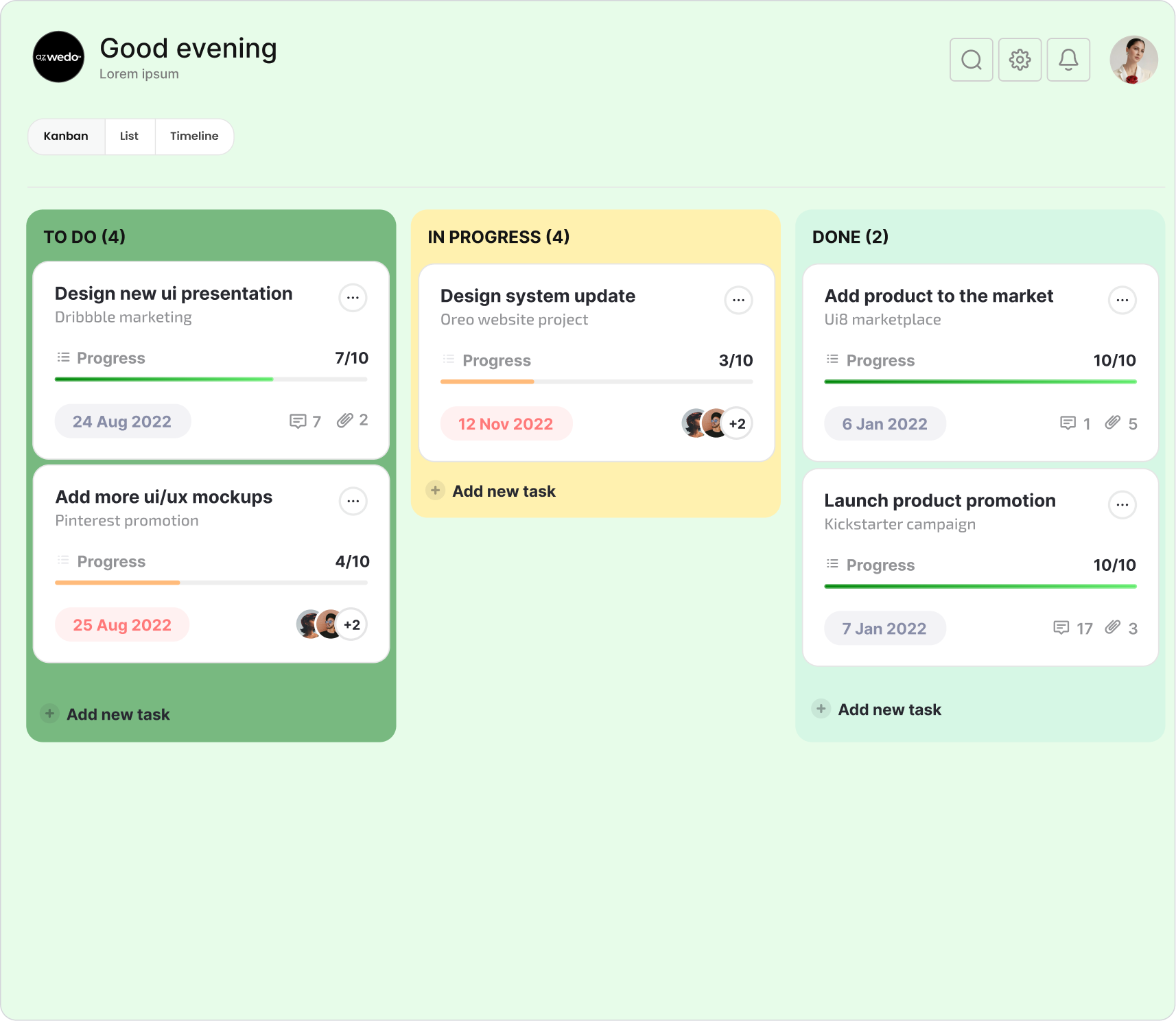
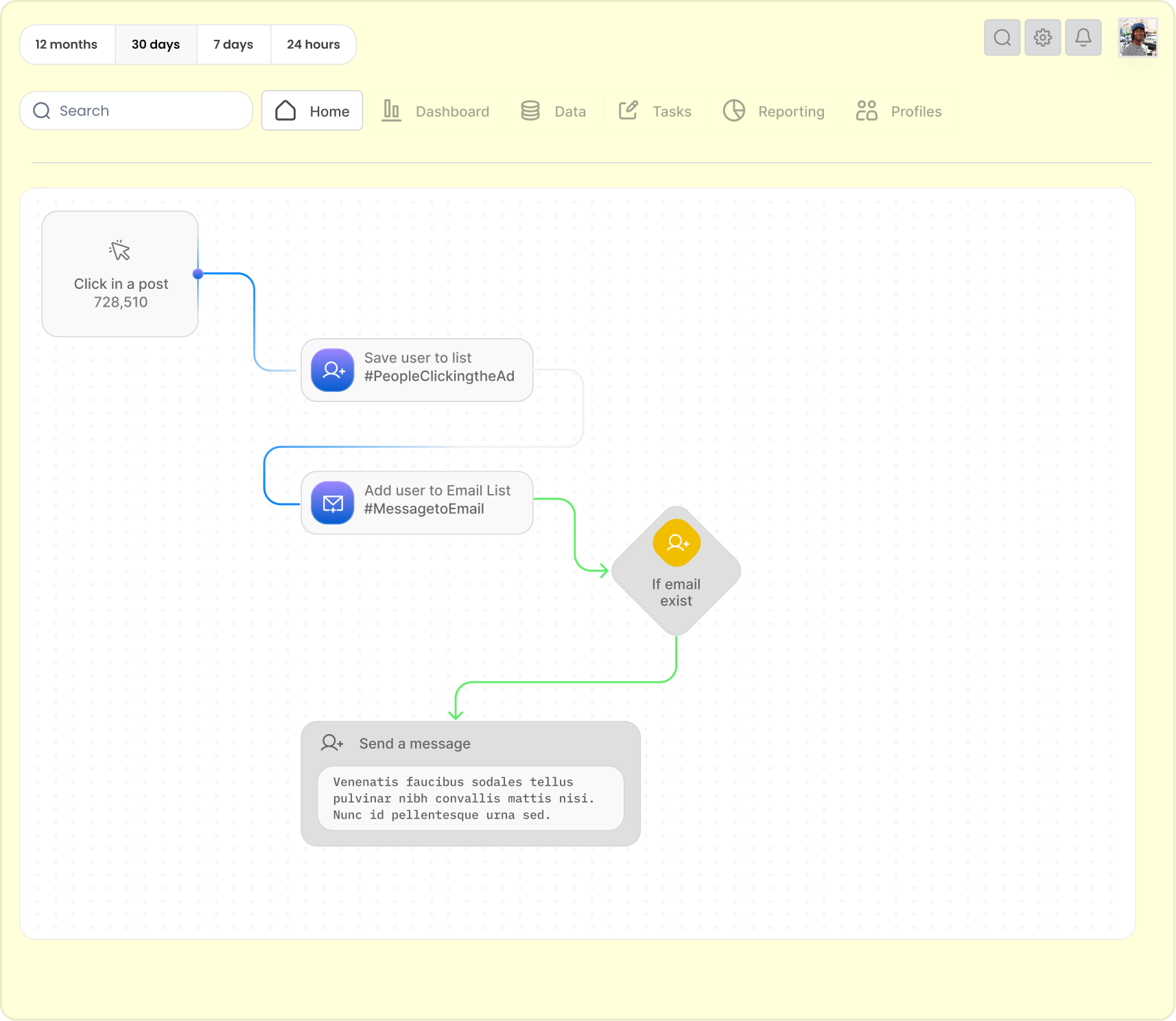
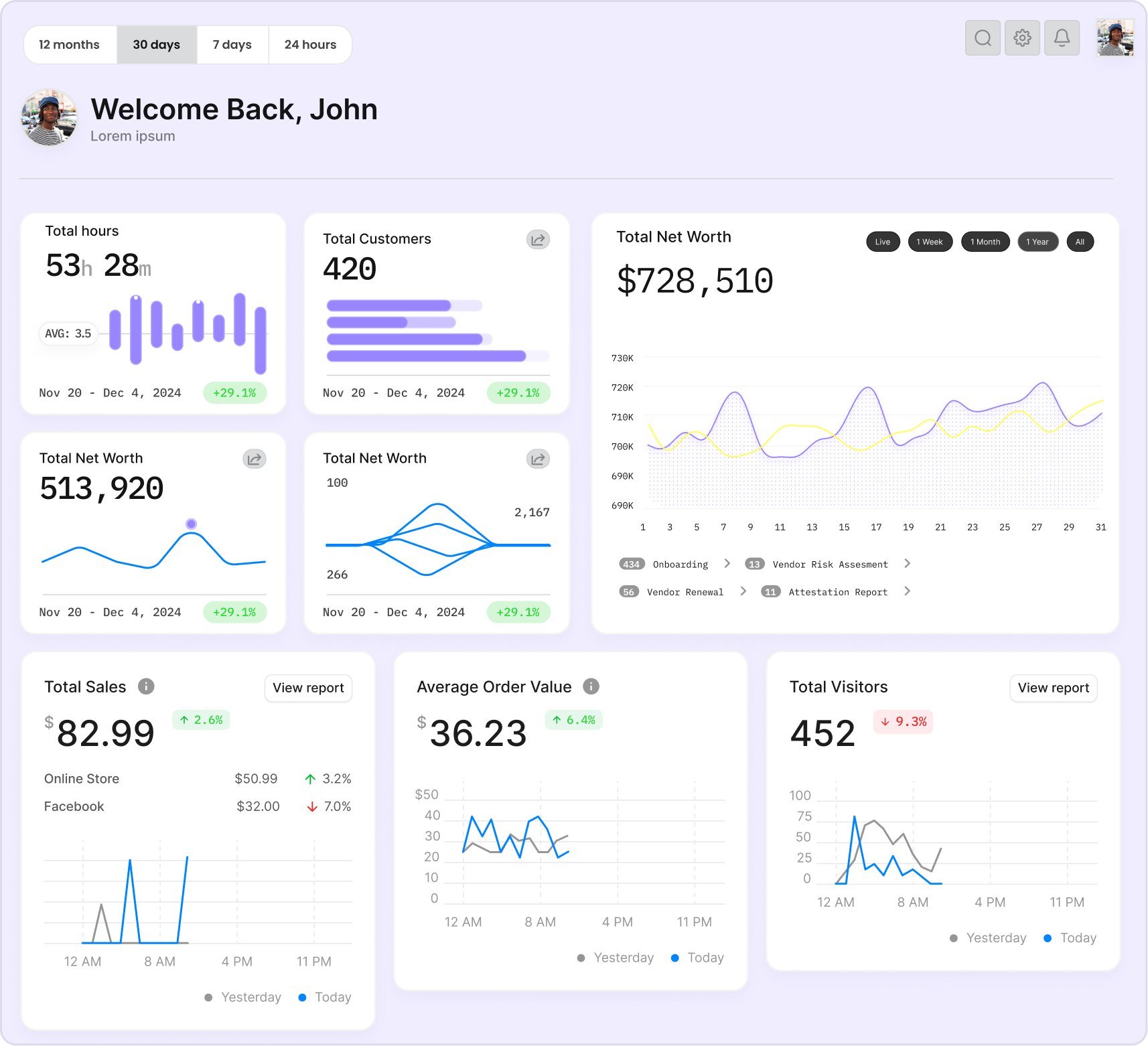
Noma brings downloads, revenue, and health signals into one portfolio view—so the studio knows what needs attention.
Works with the tools your studio already uses.
 App Store
 Google Play
 RevenueCat
 PostHog
 Firebase
 Supabase
 Instagram
 TikTok
 YouTubeApp StoreGoogle PlayRevenueCatPostHogFirebaseSupabaseInstagramTikTokYouTube
•What’s this about
Noma is the command center for a mobile studio—one place to see downloads, revenue, and health across every app, so you know what needs attention before it becomes a problem.
1.Portfolio view
See every app in one place—downloads, revenue, and health signals without jumping between consoles.

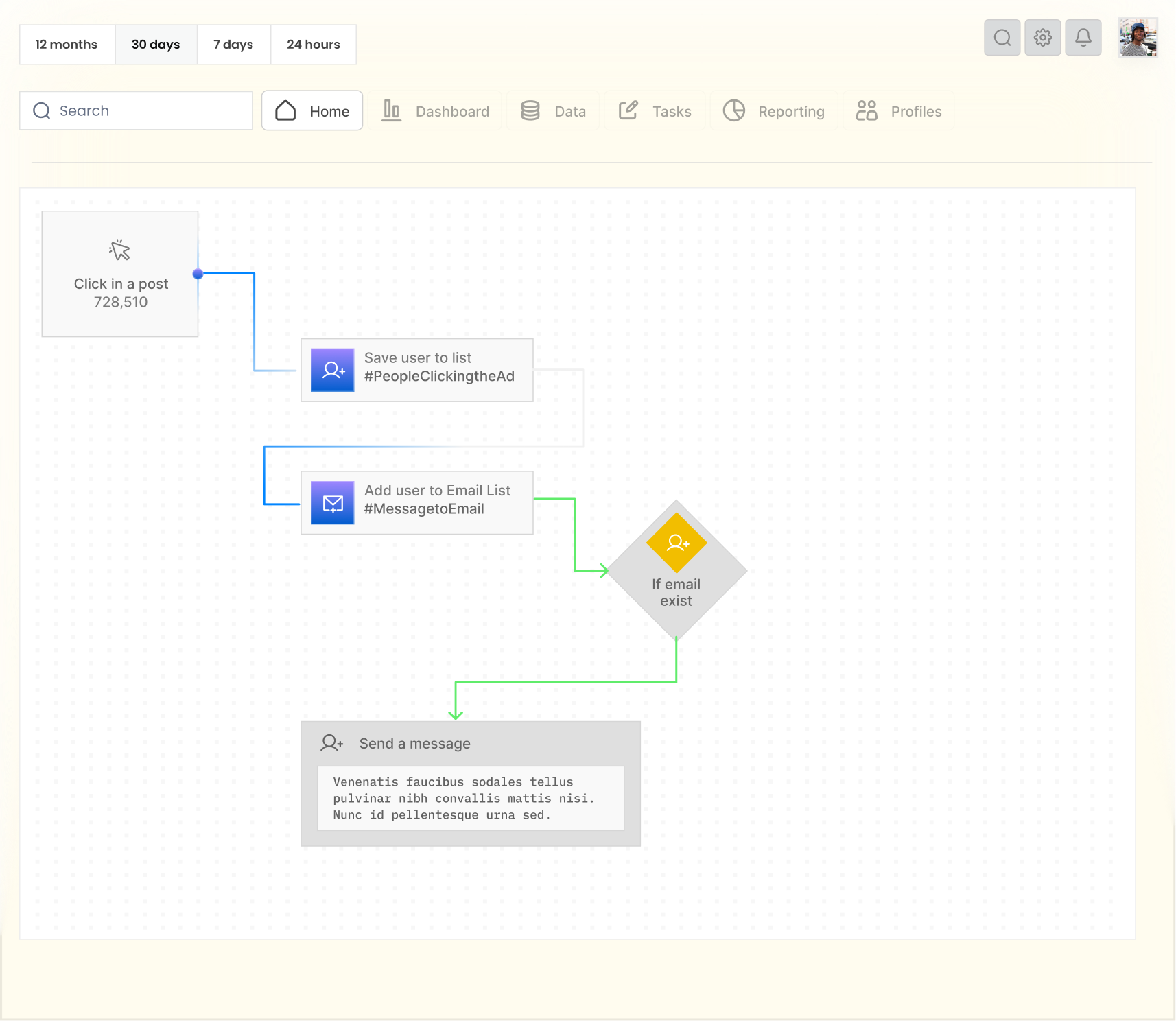
2.Live integrations
Connect App Store, Google Play, RevenueCat, and analytics so metrics stay in sync with the stores.

3.Studio clarity
Compare periods, spot what’s moving, and know which product needs attention before it becomes a problem.

Built for studios
Clear on every metric.
Noma is the command center for your app portfolio—
downloads, revenue, and health in one place.
Secure by design.
Studio data stays in your stack—not scattered across consoles and sheets.
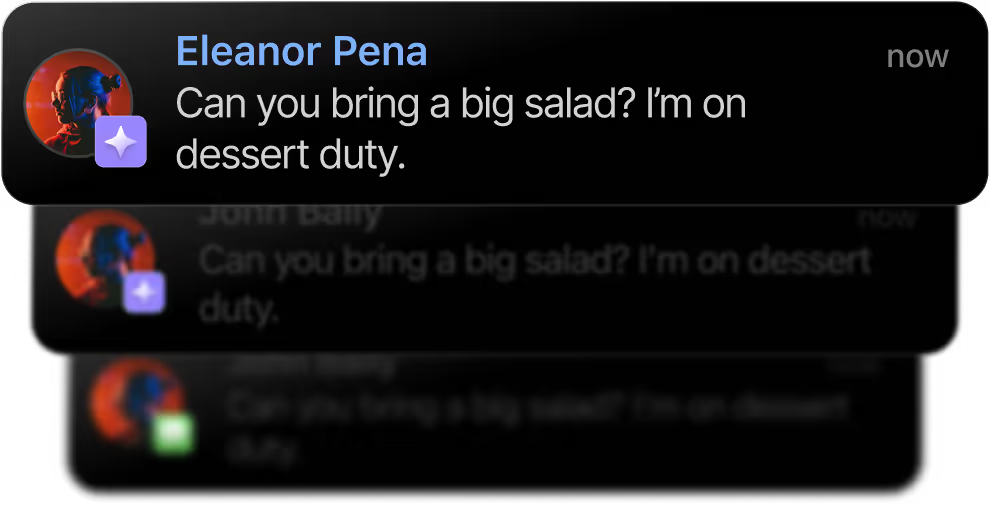
Health signals
Spot drops and spikes across downloads and revenue without opening five tabs.
Store sync
App Store, Google Play, and RevenueCat feed one portfolio timeline.
Portfolio metrics
Learn more
Hours back every week.
Stop hunting numbers across consoles. Start deciding which app needs the next release.

One command center
Portfolio, monetization, and social—ready when you open the studio.
Built for studios
Run the portfolio from one place
See what each app is doing—then decide where to spend the next release.
Portfolio clarity
for every release
Powered by


One command center for downloads,
revenue, and health across the studio.

Portfolio health across every app—without five store consoles open.
Revenue, downloads, and period comparisons in one timeline.
App Store, Play, RevenueCat, and analytics wired into the studio.

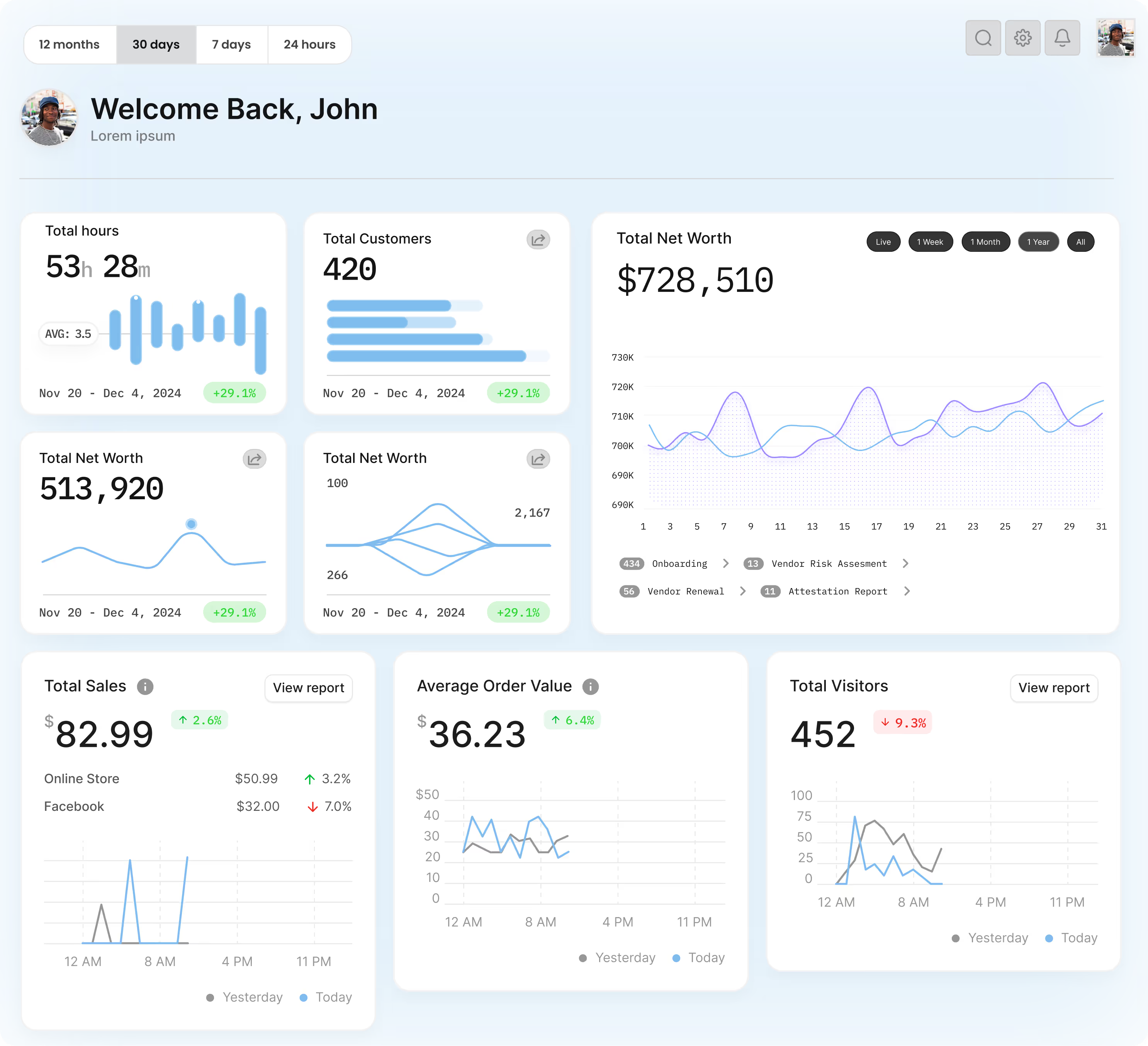
Portfolio clarity
for every release
Powered by
One command center for downloads,
revenue, and health across the studio.
Portfolio health across every app—without five store consoles open.
Revenue, downloads, and period comparisons in one timeline.
App Store, Play, RevenueCat, and analytics wired into the studio.
Studio toolkit
Everything you need
to run the portfolio
From store sync to monetization and social—Noma keeps the studio’s signals in one command center so the team can act fast.
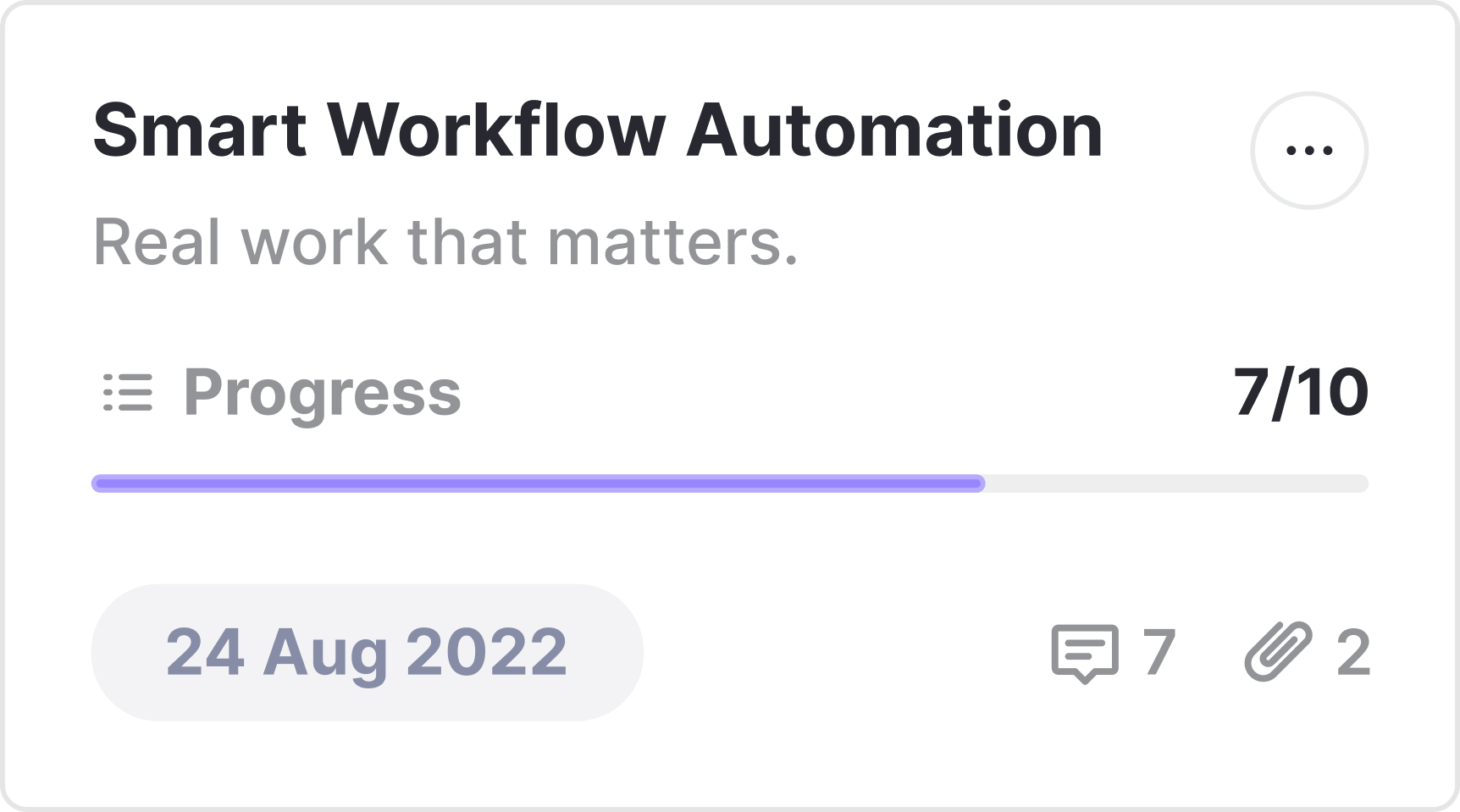
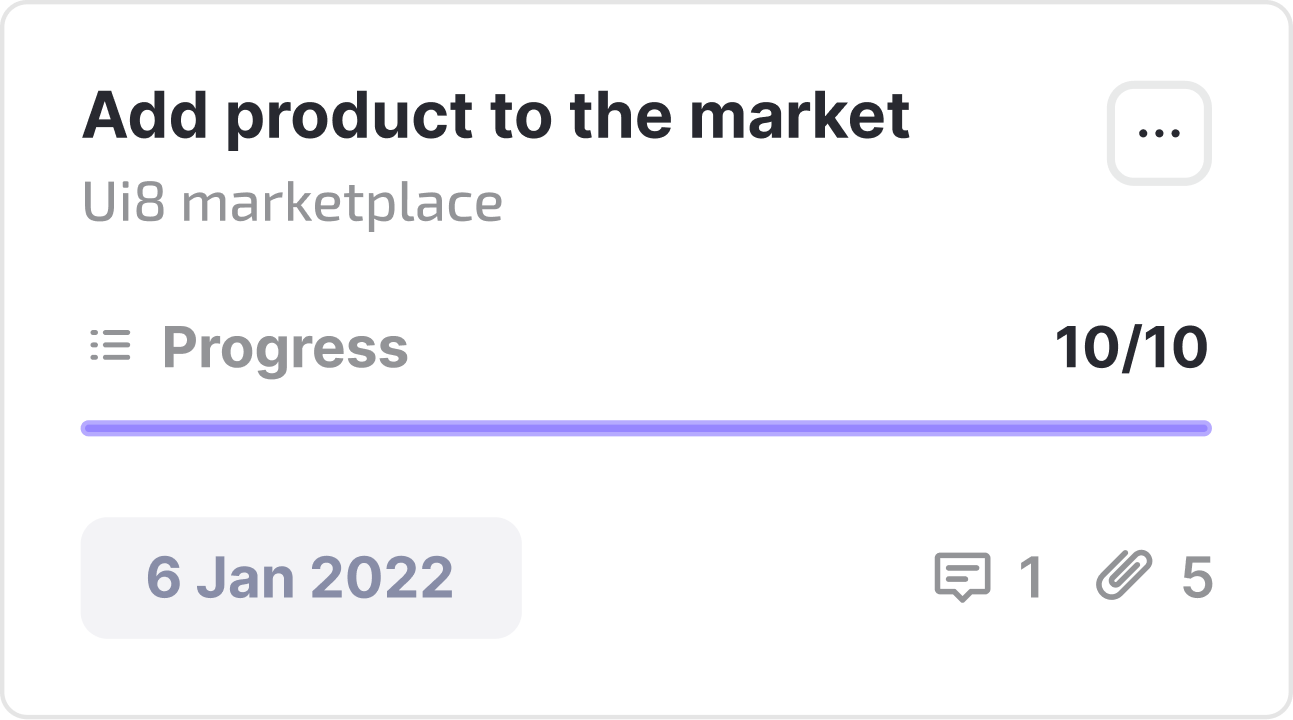
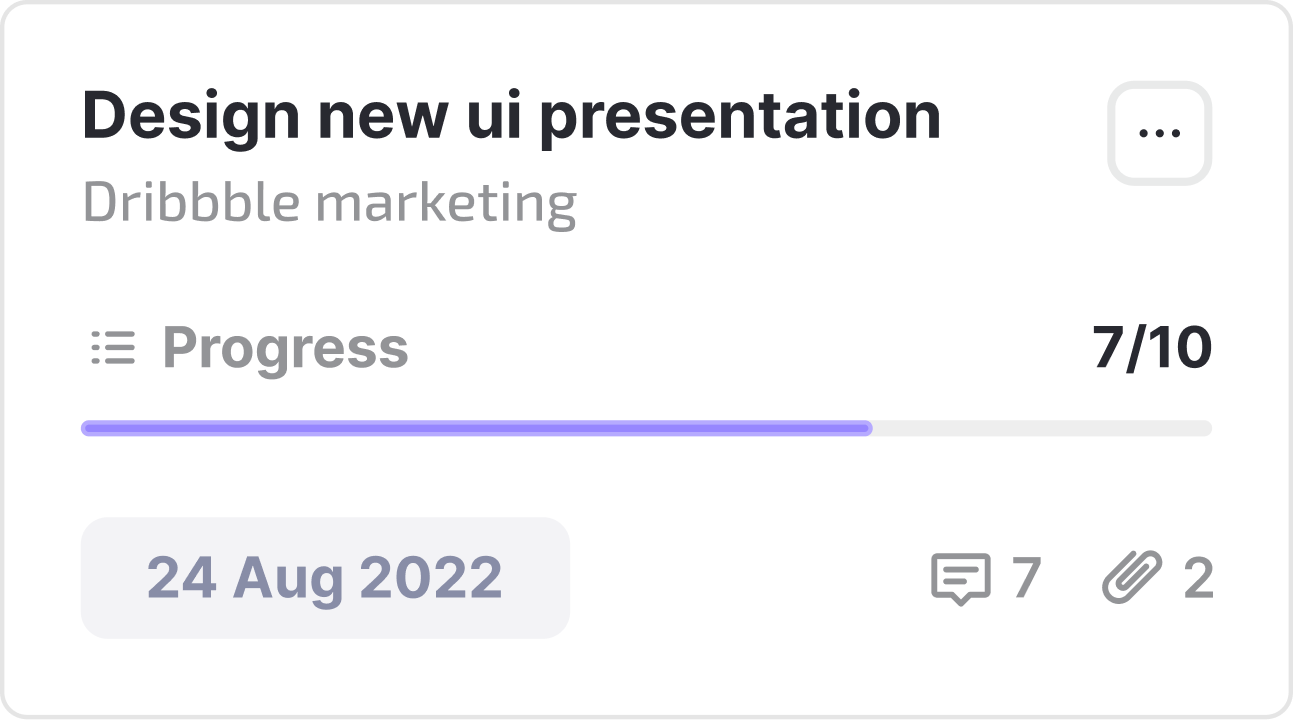
Core capabilities
How Noma keeps the studio clear
Portfolio, monetization, and health—built for teams shipping multiple apps.
Powered by


Simple plans for every studio size
Start with a few apps—or run the full portfolio with store and revenue sync.
Studio
$16/month
For a small portfolio—see every app’s health without the store hop.

Command
$33/month
For growing studios that need store sync, monetization, and period compare.
Scale
$84/month
For larger teams—shared access, social isolation, and dedicated onboarding.

Portfolio first
Open Noma and see every app’s health before you dig into a single store console.

Outcome-focused
Compare periods, spot what moved, and decide which release deserves attention next.

Studio-ready sync
Wire App Store, Play, RevenueCat, and analytics—modular clients, one login.
Frequently Asked
Questions
Straight answers about Noma—the studio command center for portfolio clarity.
Noma is a command center for mobile studios—one place to see downloads, revenue, and health across every app in the portfolio.
App Store Connect, Google Play, RevenueCat, PostHog, Firebase, Supabase, plus Instagram, TikTok, and YouTube for social.
Phase 1 uses a working studio with seed data. Live store and RevenueCat sync lands in the next phase—same UI, real numbers.
Teams shipping multiple apps who need portfolio clarity without bouncing between store consoles and spreadsheets.